
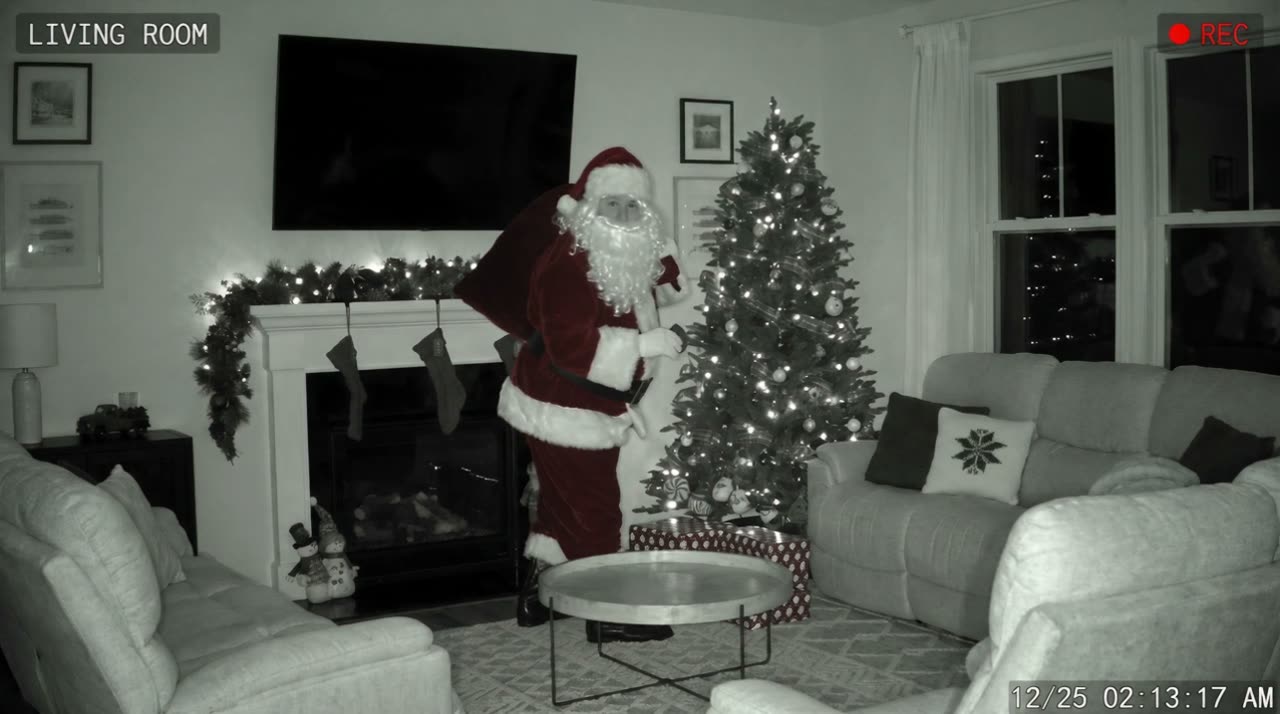
Santa caught on camera AI turns a photo of your living room or front door into 8 seconds of home-camera footage: night vision or doorbell fisheye, a running timestamp, and Santa leaving presents, noticing the camera and whispering your child’s name. It costs 50 credits for a Standard video and keeps your real room.
Why make your own Santa caught on camera video?
Every December, “10 times Santa was caught on camera” compilations collect millions of views. Kids love them, and then ask the obvious question: did Santa come to our house too? A clip from your own camera, in your own living room, answers it in a way no compilation can.
You do not need a real security camera. The AI rebuilds your photo as a frame from an indoor night-vision camera or a doorbell camera, then films Santa’s visit in that exact spot.
How to catch Santa on camera (the easy way)
- 1
Photograph the room or the door
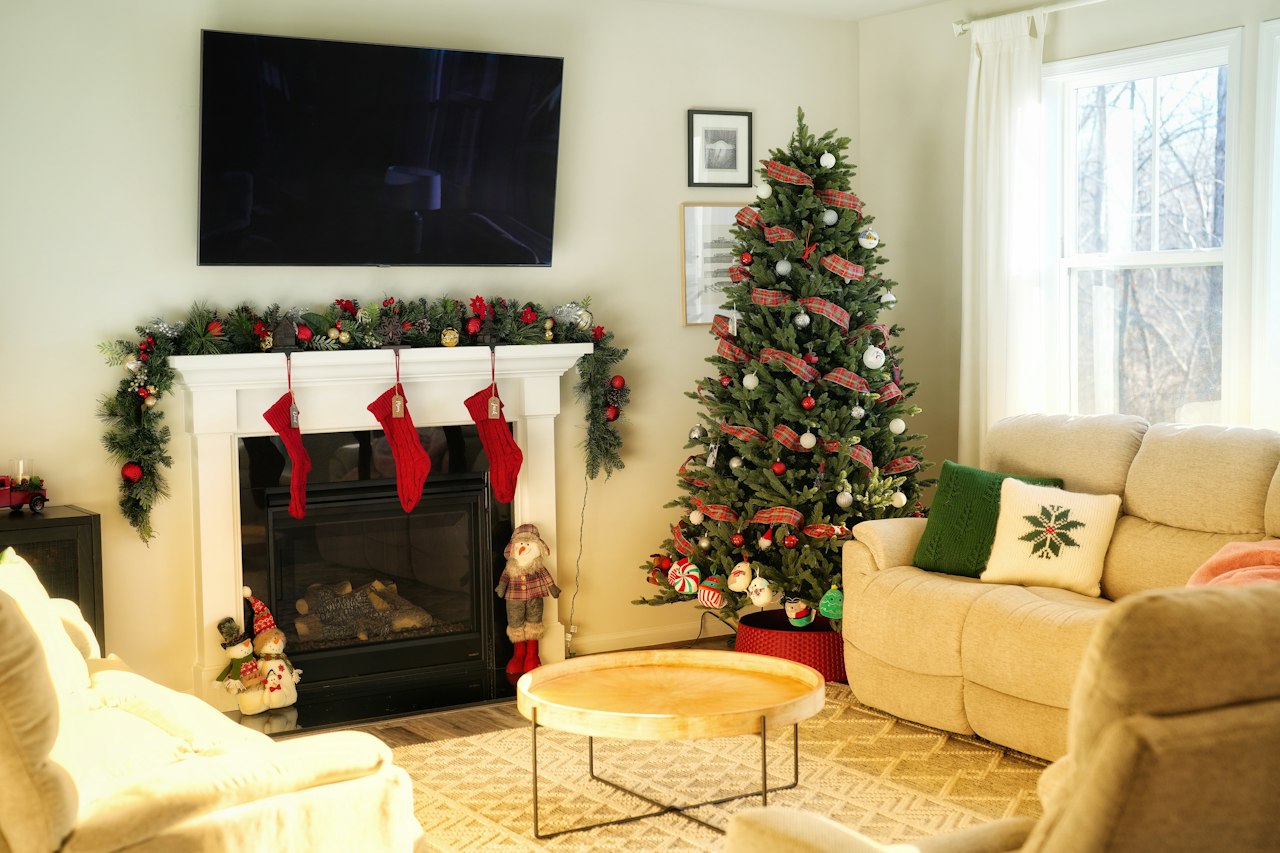
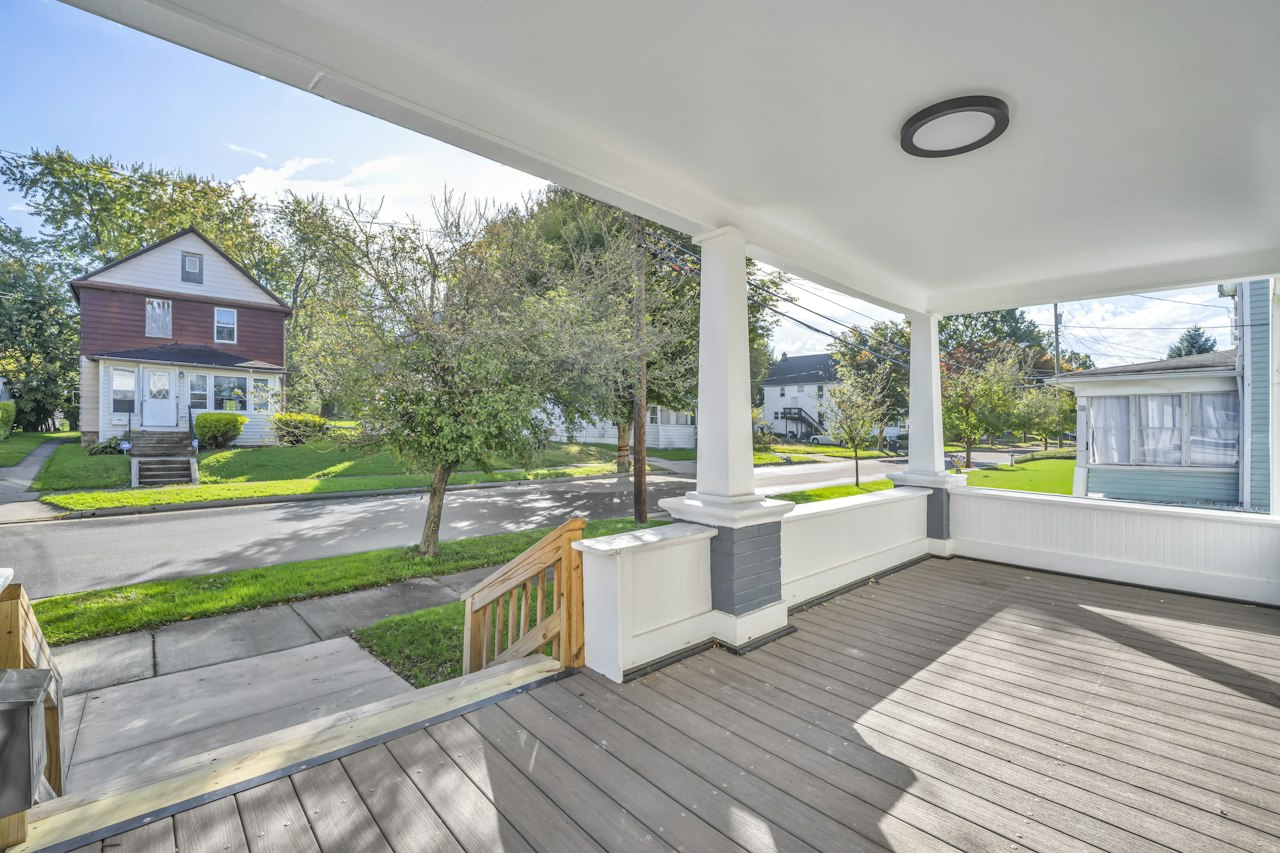
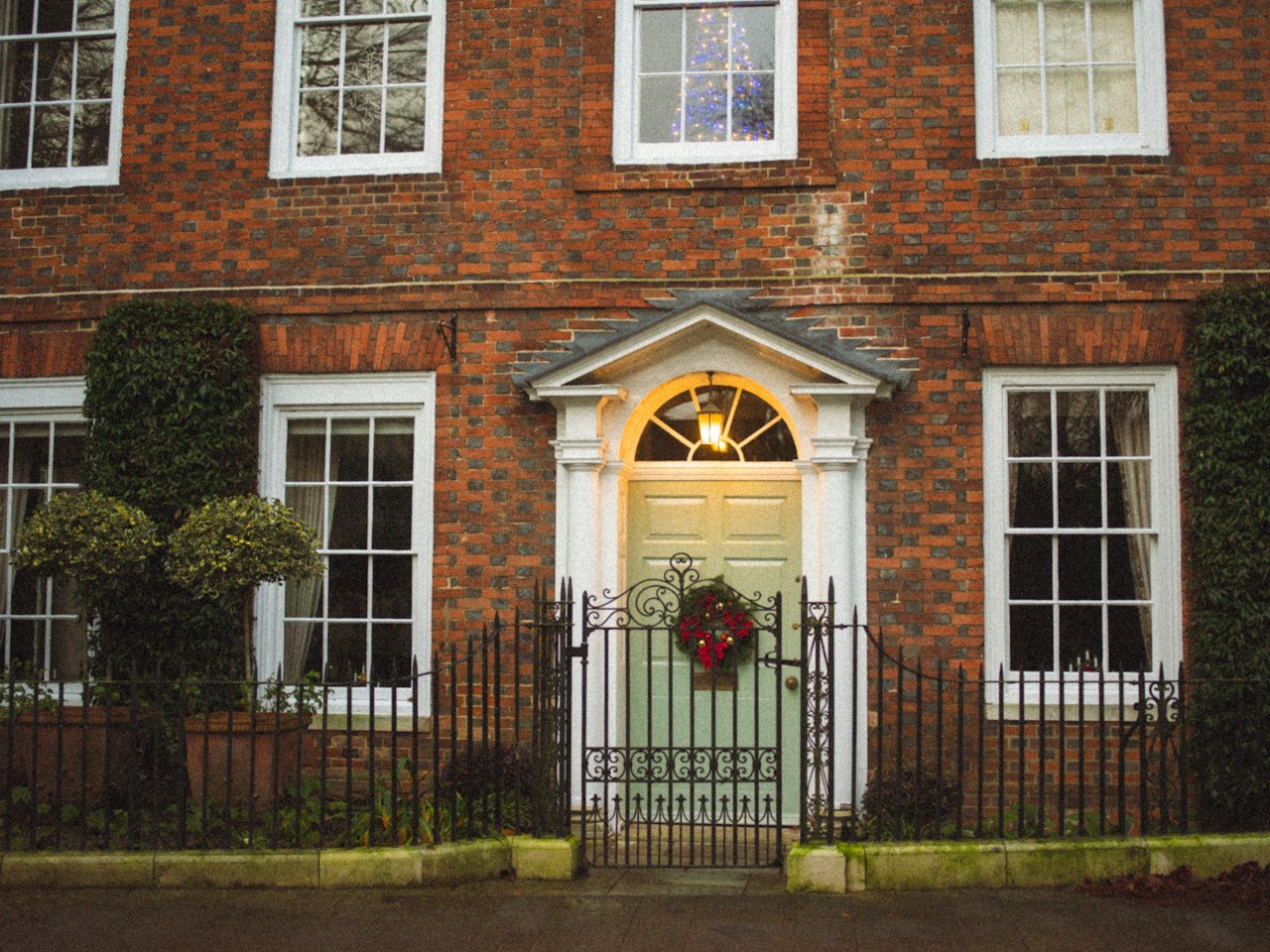
Living room: from a corner, tree lights on, landscape. Doorbell: from your doorway looking out, chest height, porch light on. Front yard: the front of your house from the yard. No people in the picture.
- 2
Choose the camera
Night vision for the tree, doorbell for the porch. Standard 50 credits or HD 100 credits.
- 3
Wait a few minutes and download
You get an MP4 with the camera timestamp from Christmas night, ready to show on a phone or the TV.
Can I catch Santa on my real security camera?
Some families set up their real Ring, Blink or Nest camera on Christmas Eve, and a parent in a Santa suit walks past it. That works if you have the camera, the suit and a willing adult. The AI version needs none of that, and the footage looks the same kind of grainy.
Questions parents ask
Has Santa ever really been caught on camera?
The viral clips are made by families, actors and editors for fun. This tool makes the same kind of clip for your own home, from your own photo.
Is there a Santa caught on camera app?
There are photo apps that add Santa to a picture. This site runs in your phone’s browser and makes a moving, camera-style video. See the catch Santa app comparison.
Is it free?
Videos and full photos are paid: a Standard video is 50 credits and a photo 10 credits, and credits never expire. If it fails, the credits go back to your balance. When the free preview is open, each Google account can make one small watermarked preview photo for 0 credits; sign in with Google to check.
Does Santa look like a real person?
No. He is the classic red-suit, white-beard Santa and is not modeled on any real person.
Can I add my child to the video?
No. The video shows only Santa in your home. Photos with children are not allowed.